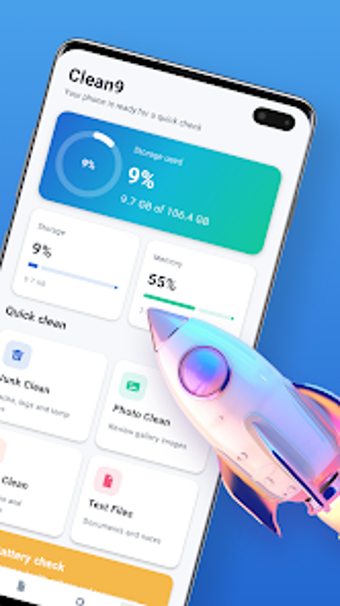
Sweeplyn: Device Clean, focused Android storage cleanup and control
Experience Sweeplyn: Device Clean, developed by OJ&AJ LTD, a compact Android utility that addresses persistent 'storage full' alerts by locating removable clutter. It scans internal storage to identify cache, temporary files, system logs and oversized media, then presents findings for review and explicit user confirmation before deletion. The app includes storage analysis and built-in file browsing, and declares no user-data sharing in its safety profile. It targets Android users who need a straightforward tool to free space.
What does Sweeplyn do for device storage?
Sweeplyn acts as a storage manager that inspects internal memory to surface unnecessary items and bulky media. Main capabilities include:
- identifying residual cache, temporary files, and system logs
- flagging oversized photos, videos, and documents
- providing an in-app file browser to review files
Does Sweeplyn affect device operation while scanning?
The application performs scans locally on the Android device using the permissions it requests, so inspection happens on-device rather than via cloud analysis. In addition, the developer states that any transmitted data is encrypted in transit. Because the tool enumerates many folders and large media, scan duration depends on the amount of stored content and may take longer on media-heavy devices.
Is Sweeplyn safe to use on a personal device?
Sweeplyn's safety declaration states it does not collect or share user data with third parties, and it uses encrypted channels for communications. The app enforces manual confirmation for deletions, which reduces accidental removals. Users are explicitly warned that files confirmed and removed generally cannot be recovered, so careful review before cleanup is required to avoid permanent loss.
Do I need technical knowledge to operate Sweeplyn?
The app emphasizes a simplified interface focused on core cleaning and file management tasks, which suits users who prefer a single tool over system settings. Manual review before deletion lowers the risk for casual operators. In addition, Sweeplyn has passed 1,000 installs during its growth phase, indicating early adoption by Android users who frequently encounter storage constraints.
Practical choice for space-conscious users, with one trade-off
Sweeplyn is a practical option for Android users who need focused storage cleanup; its emphasis on privacy declarations and manual controls suits cautious operators. One trade-off to consider is that the app may display advertisements during use to support development. Tip: run a review of flagged large files when the device is idle, and confirm deletions deliberately to avoid irreversible removals.